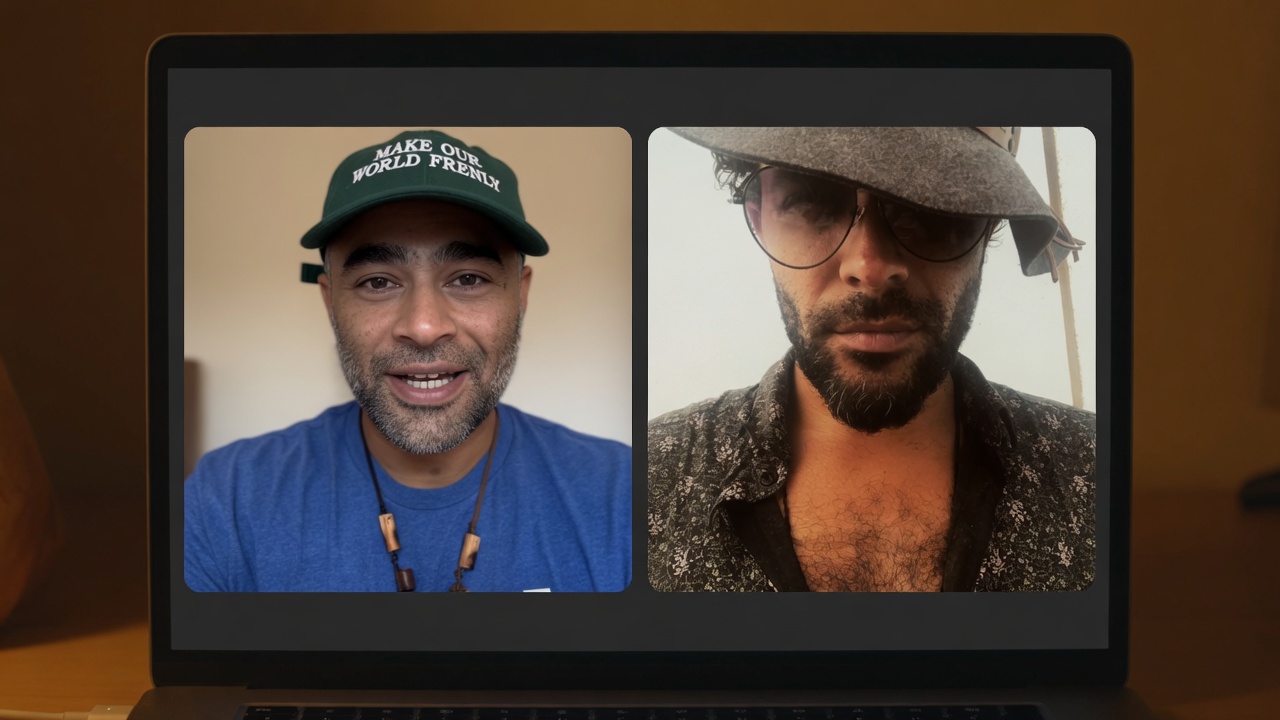
Raj
Your ChatGPT memory does not live in an API key. It lives in your account. We export it. Then Frenly imports it.
Lesson 1 · dual voice
Raj’s ElevenLabs clone. Sparks’ real clone. Real Frenly Import screens. Audio is the show.
Your ChatGPT memory does not live in an API key. It lives in your account. We export it. Then Frenly imports it.
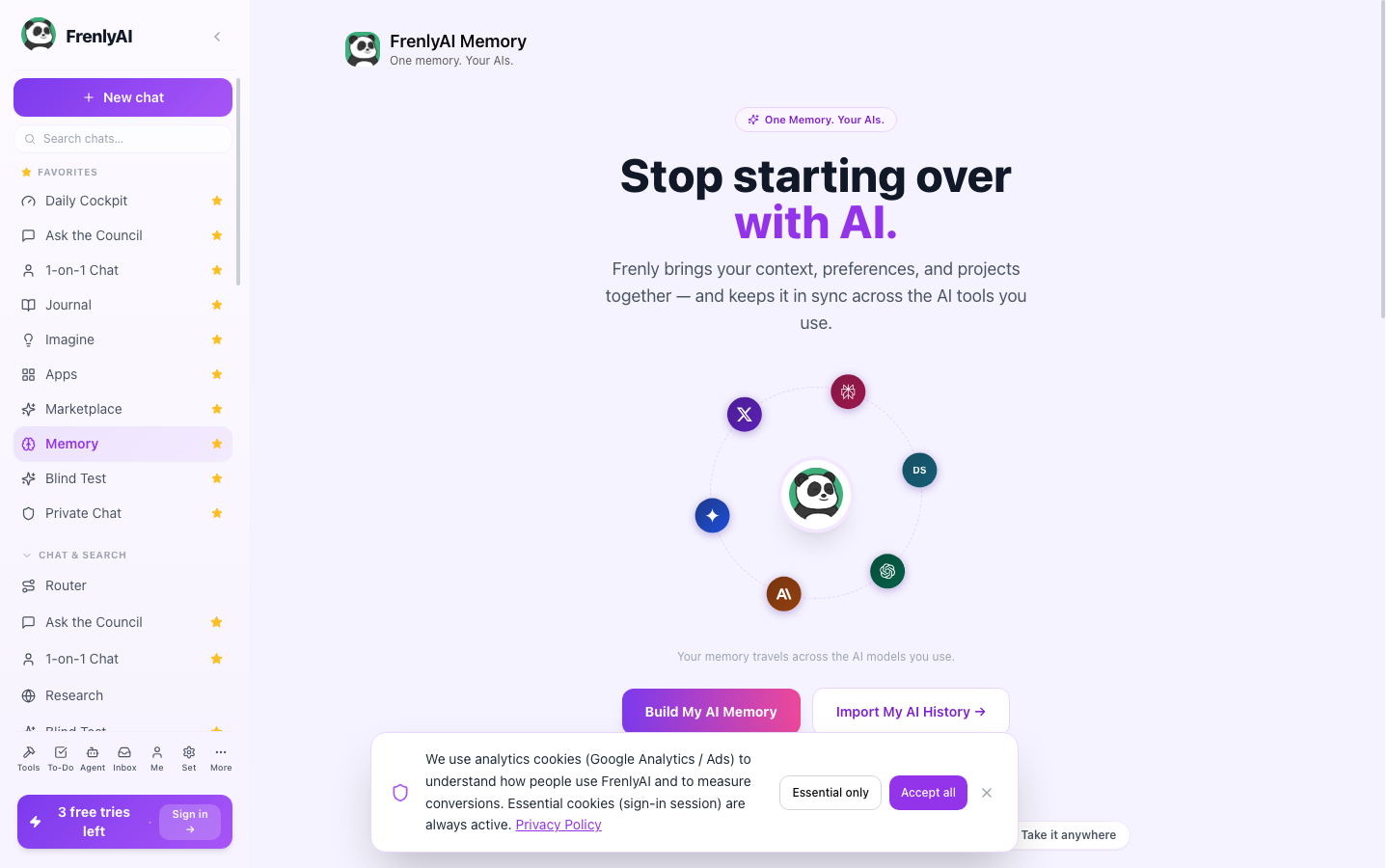
Open frenly.ai. Left rail: Memory. Then Import my AI history.
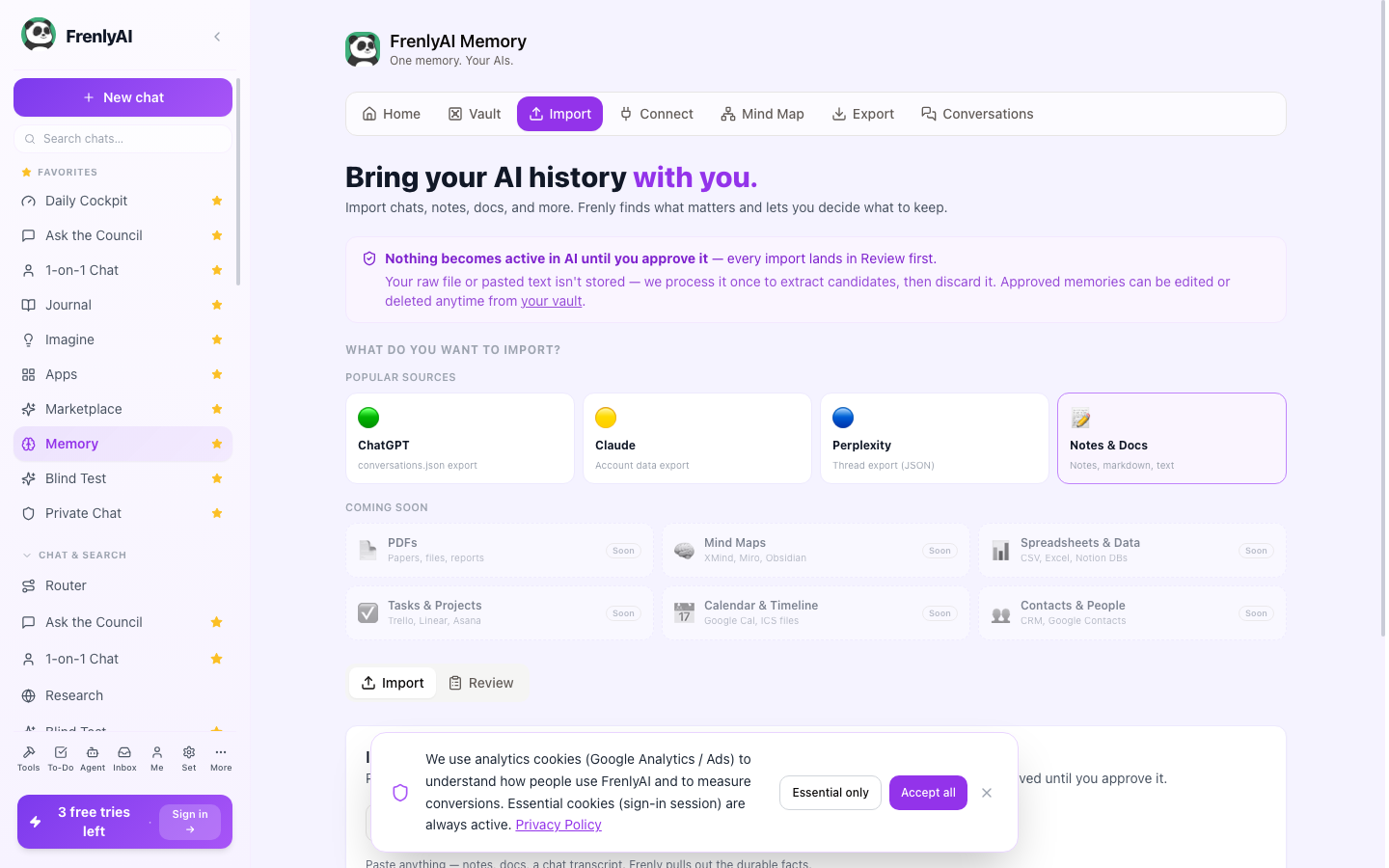
See the ChatGPT card? It says conversations.json export. Drop that file. Nothing is live until you approve it. Review first.
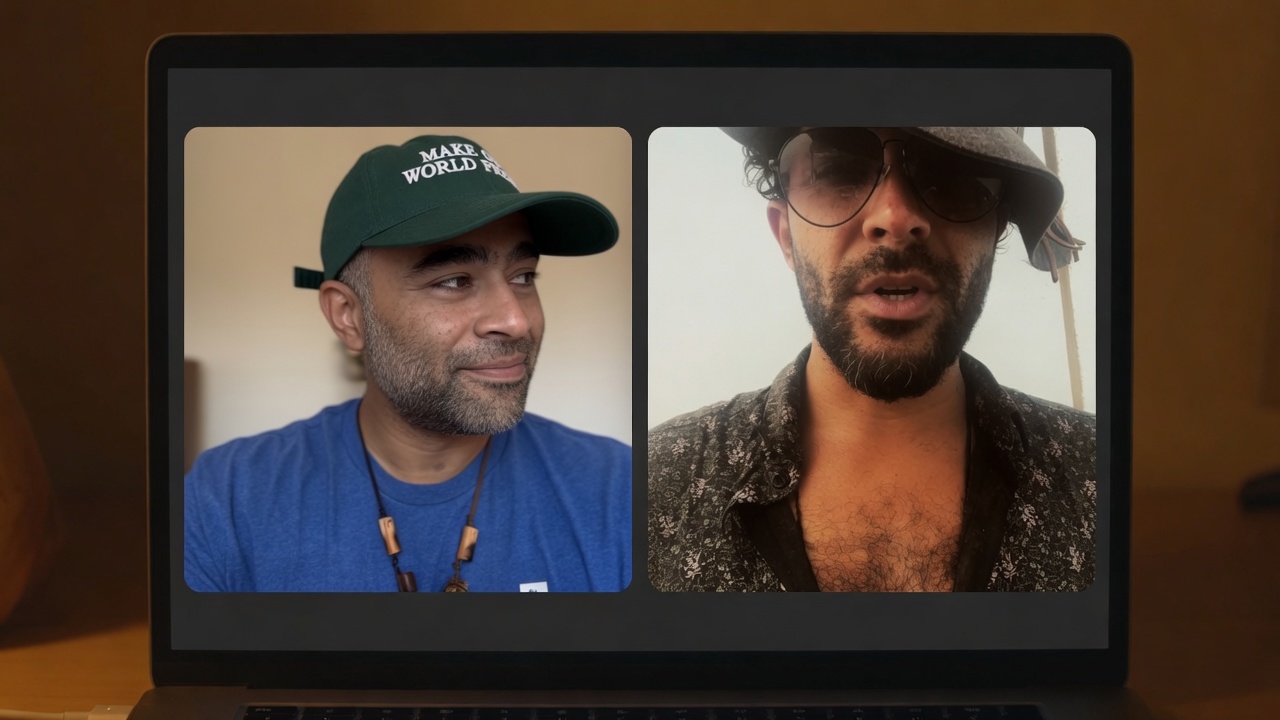
Approve what you want Frenly to remember. That’s how your AI system starts as you — not as a stranger.